
Introduction
Hey there! If you’re an iPhone owner, you’ve got a powerhouse of a camera right in your pocket. But are you utilizing it to its fullest potential?
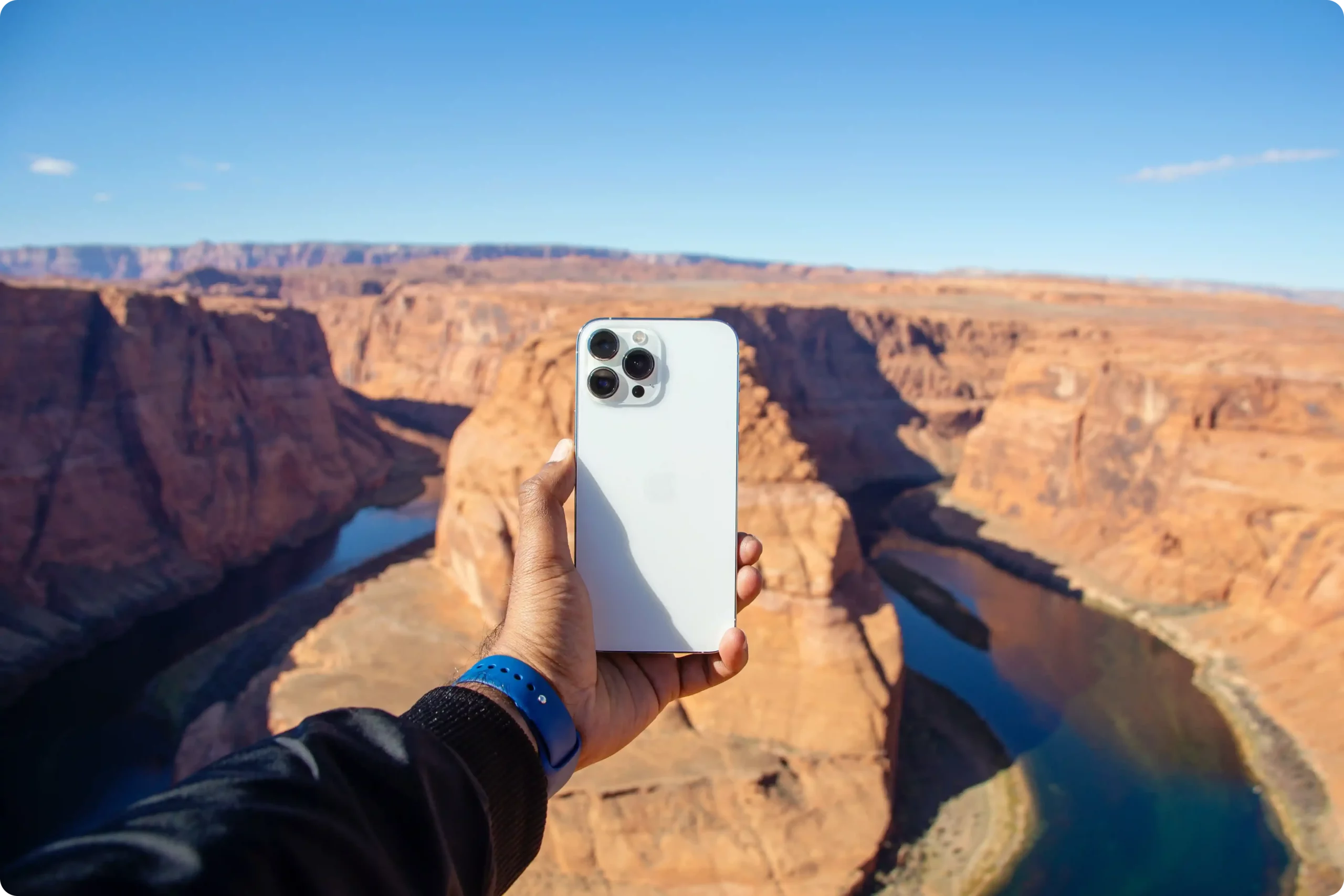
1. Understanding Your iPhone Camera
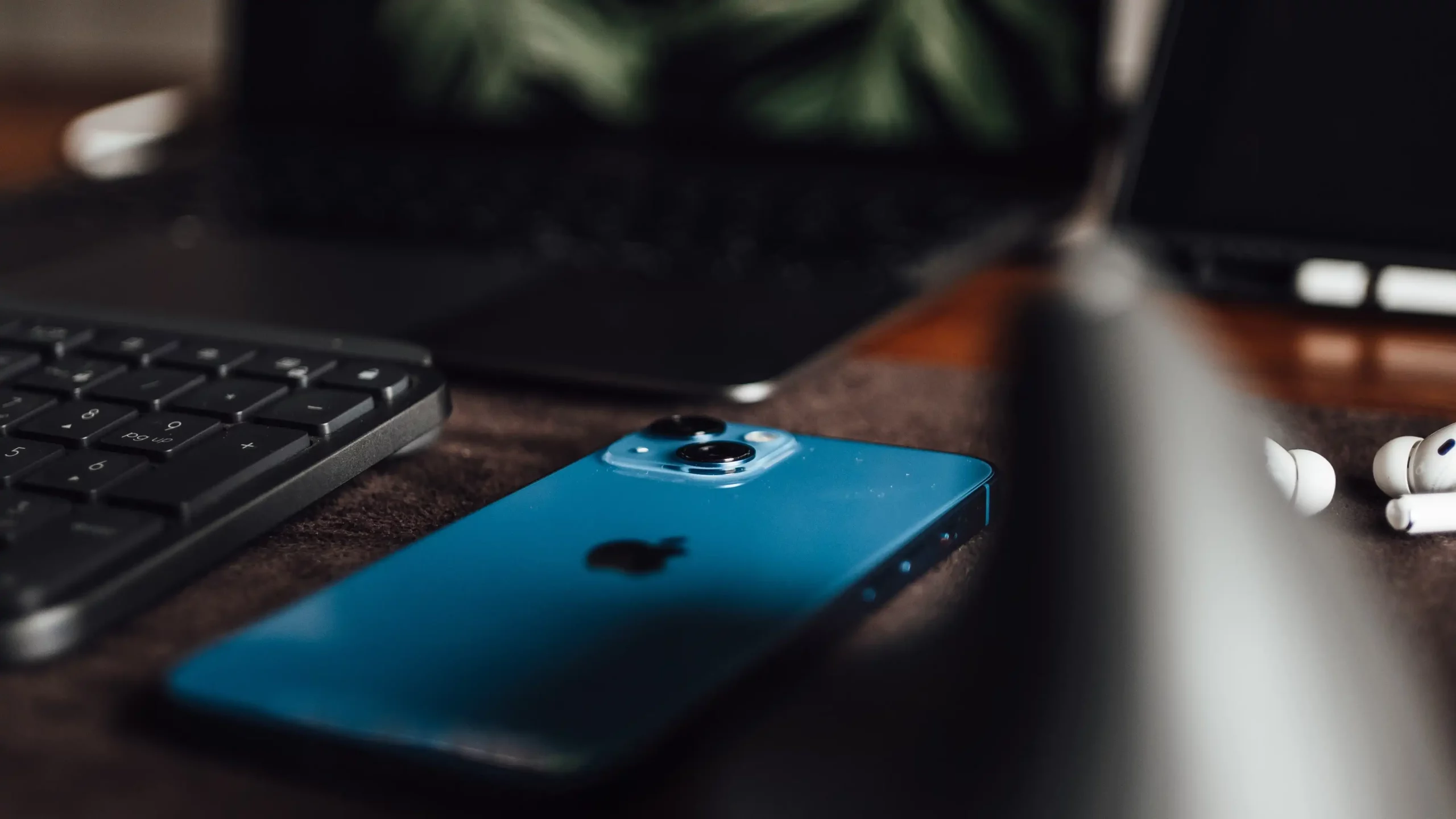
The magic of your iPhone camera lies in its simplicity on the surface, with a depth of features lying just beneath. From the lens and sensors to the software that drives it, your iPhone camera is a complex piece of machinery designed for point-and-shoot ease.
2. Exploring the Camera App
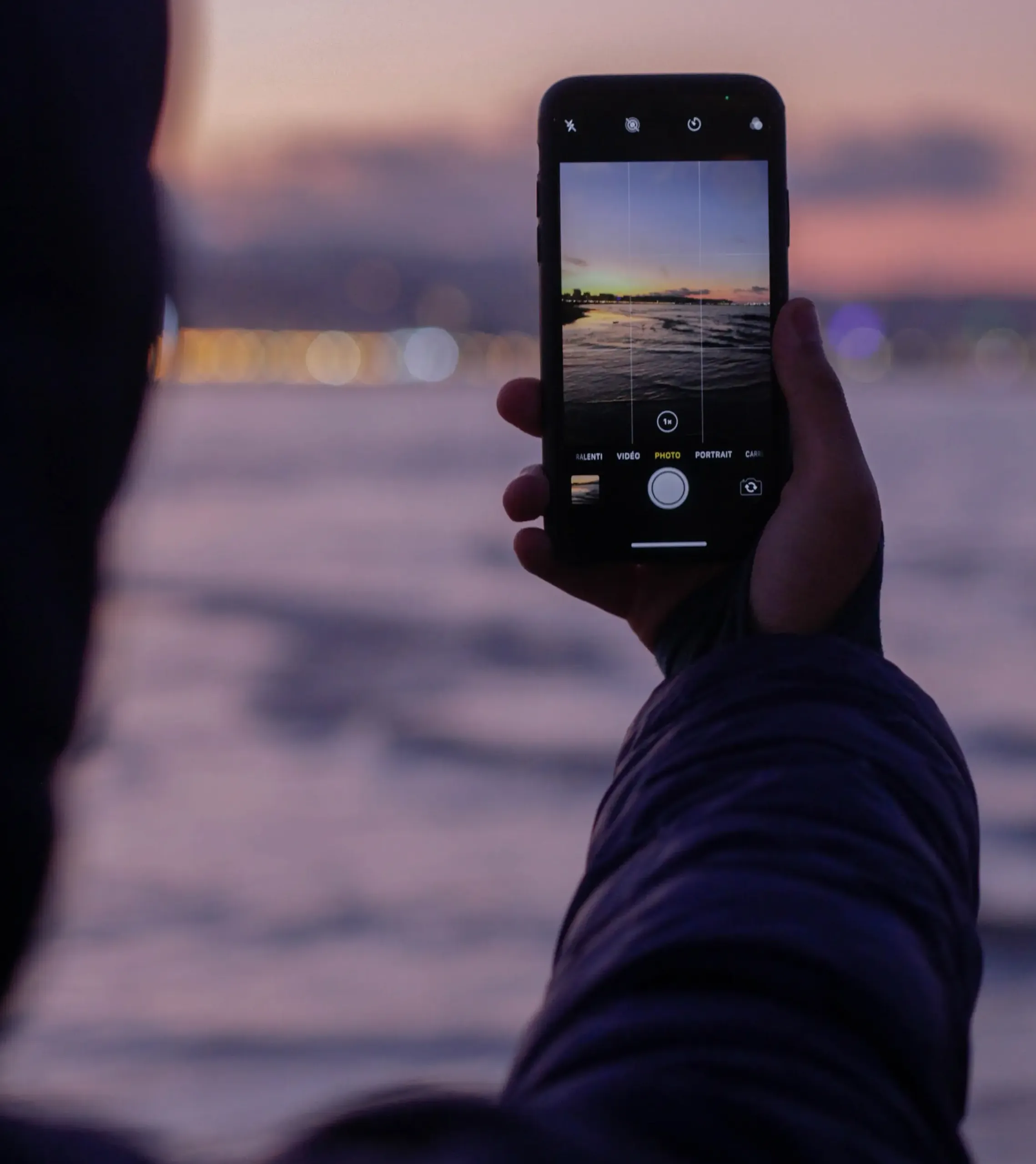
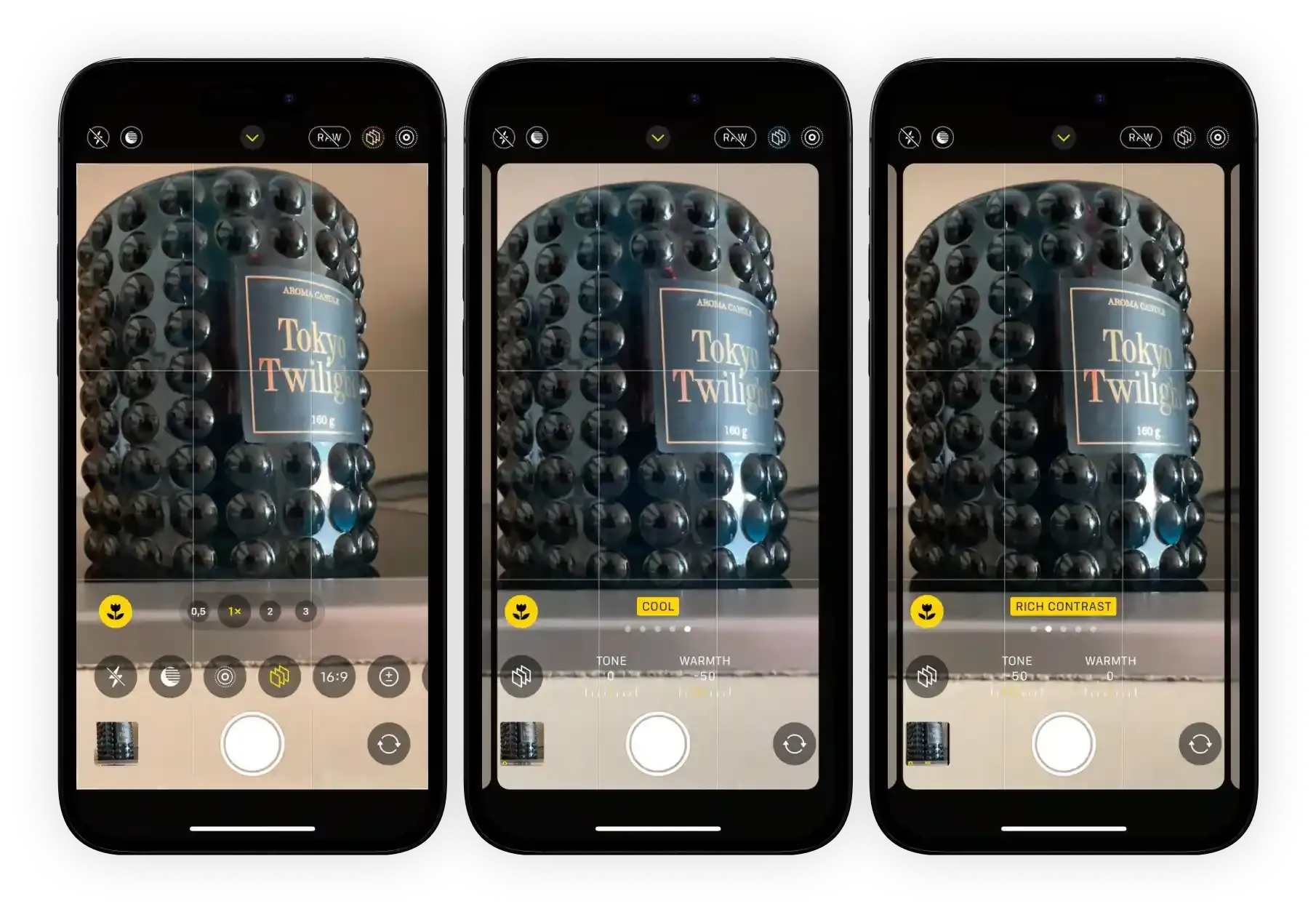
With an array of modes and settings to choose from, the built-in Camera App is your first step towards mastering iPhone camera features. Different shooting modes like Photo, Video, Portrait, and more cater to a variety of situations, ensuring you get the best possible shot.
3. The Hidden Features of Your iPhone Camera
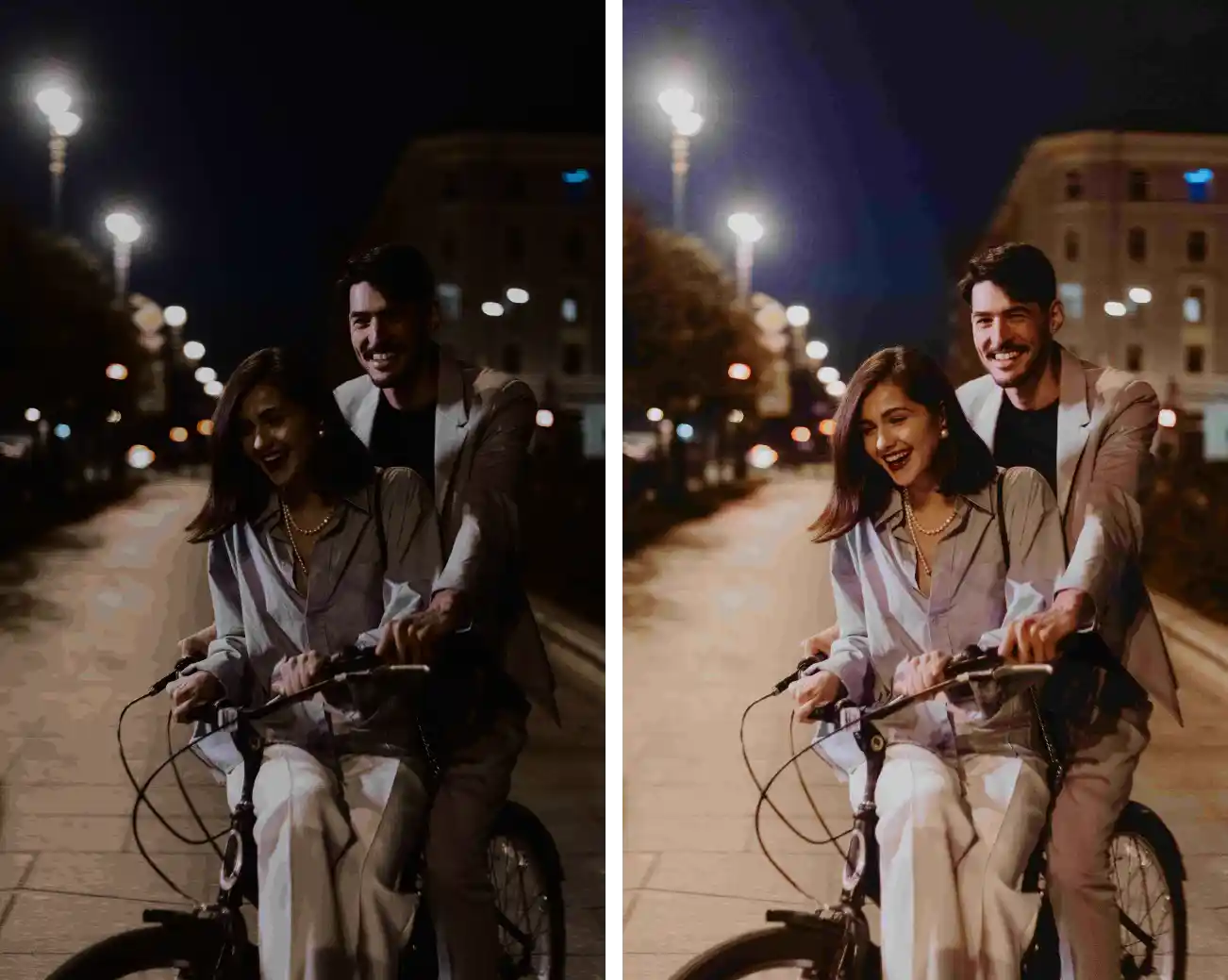
Here’s where the fun begins! Your iPhone camera holds many secrets. Did you know you can capture a sequence of shots with Burst Mode? Or that Night Mode can bring clarity to low-light scenes? Portrait Mode isn’t just for portraits—it can make any subject stand out with a blurry background.
4. Unlocking Advanced Camera Settings
Get ready to take the driver’s seat! By adjusting focus and exposure manually, you can ensure that your subject is clear and well-lit. HDR, or High Dynamic Range, combines several exposures into one for a balanced image. And the Rule of Thirds grid? It’s a photographer’s best friend for well-composed shots.
5. Tips for Better iPhone Photography
A few simple principles can elevate your iPhone photos. Composing your shots with attention to framing and perspective can make a world of difference. Pay attention to light, which can transform an ordinary scene into something extraordinary. And remember, the flash is not always your friend!

6. Enhancing Your Photos with Editing
Once you’ve taken your photo, the built-in Photos app provides tools to tweak and improve your image. You can make basic adjustments like cropping and filtering or dive deeper with tools like Brilliance and Noir.
7. Conclusion
Mastering iPhone camera features can seem intimidating, but with a bit of practice, you’ll be shooting like a pro. So get out there and start experimenting!