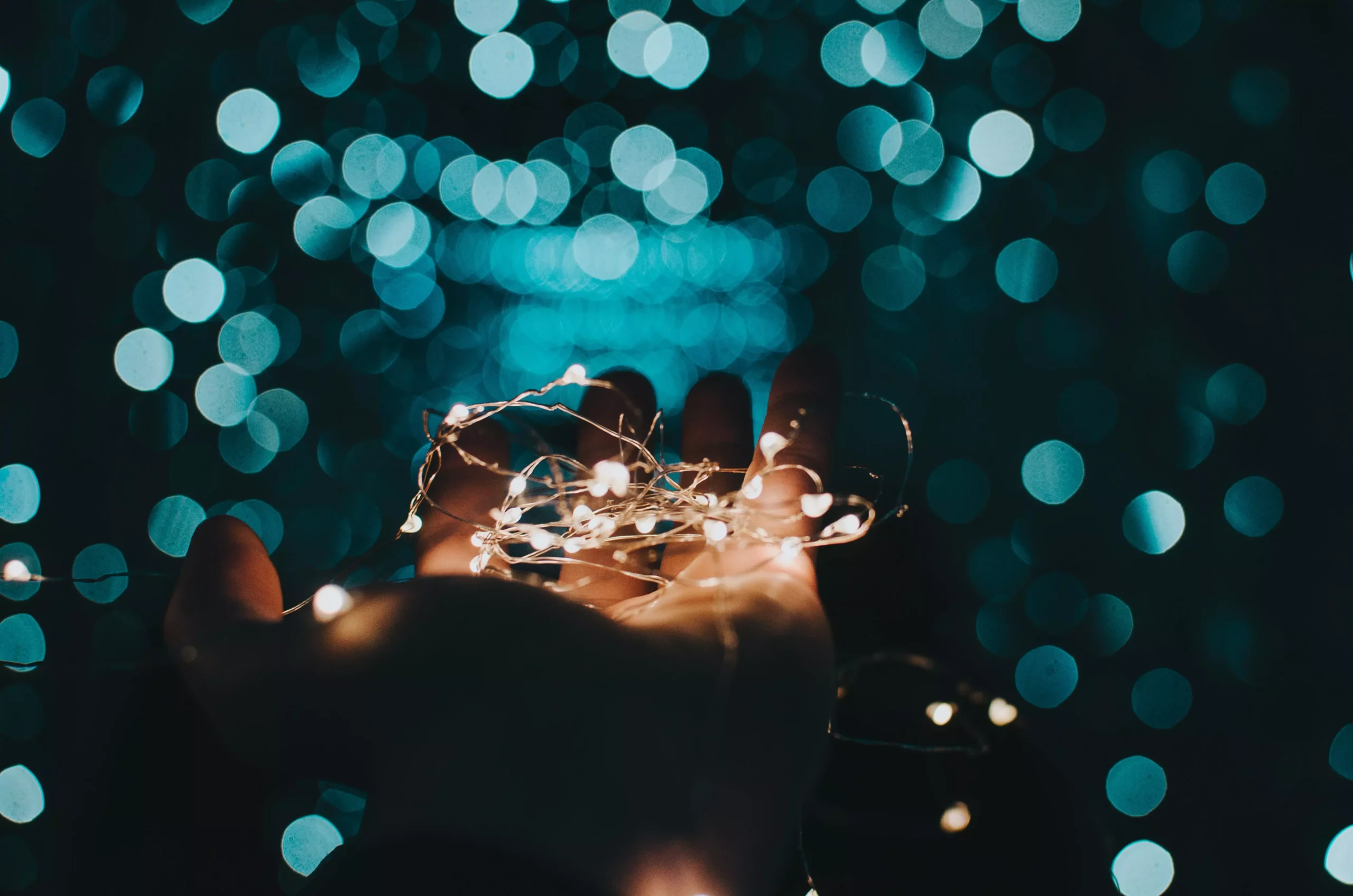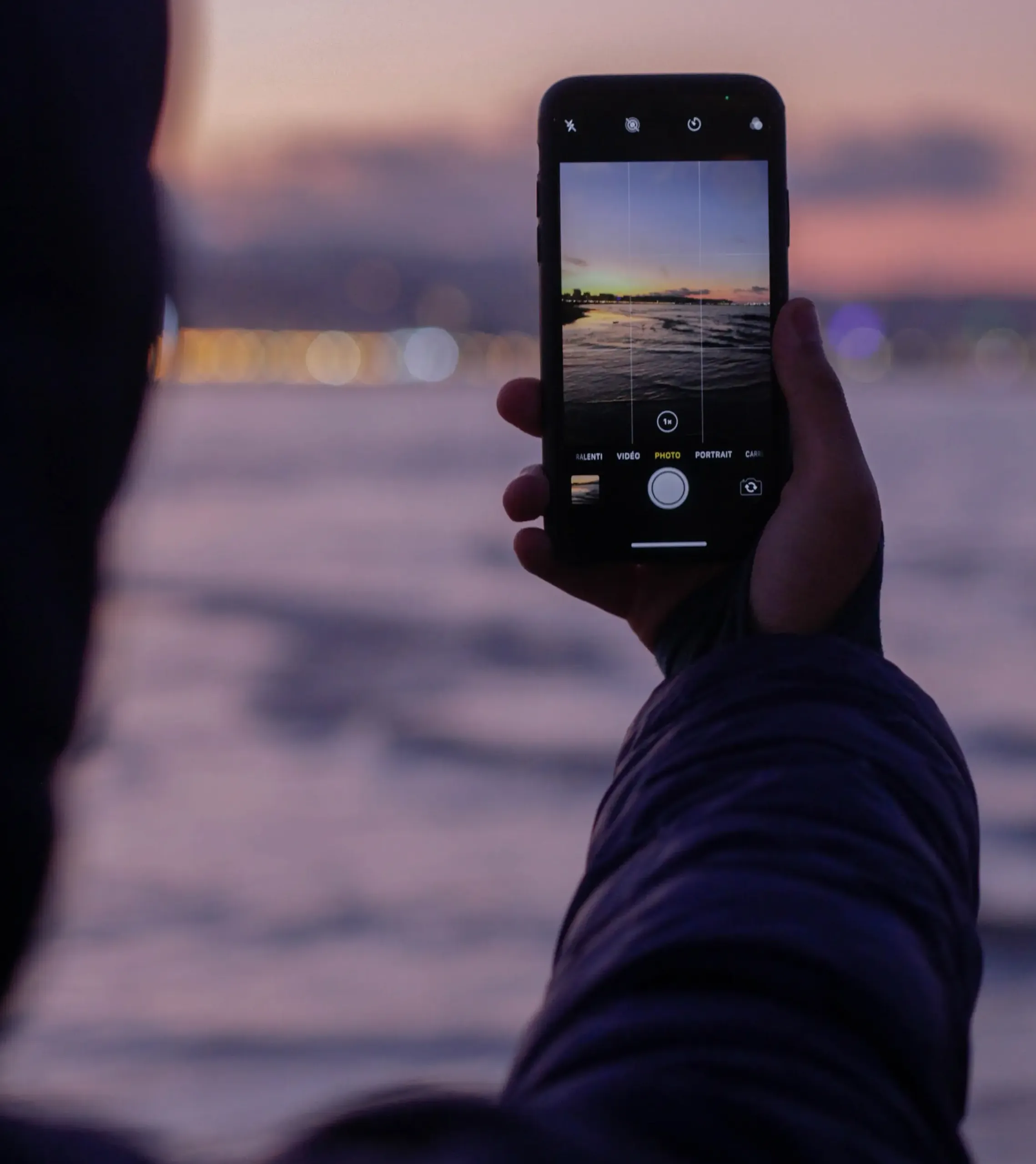


Cinematic photography transcends mere image capturing; it’s about telling a story, evoking emotions, and creating a visual experience akin to a frame from a film. With the advanced capabilities of the iPhone camera, achieving this cinematic allure in your photos is more accessible than ever. This guide dives into the art and technique of crafting cinematic iPhone photos, providing you with the know-how to turn everyday moments into visually stunning narratives.

Laying the Foundation for Cinematic iPhone Photography
Cinematic photography starts with understanding a few fundamental principles:
Understanding Cinematic Composition:
Cinematic composition involves more than just framing a shot. It’s about depth, leading lines, rule of thirds, and using the environment to add context and emotion to your photos.
Color and Mood:
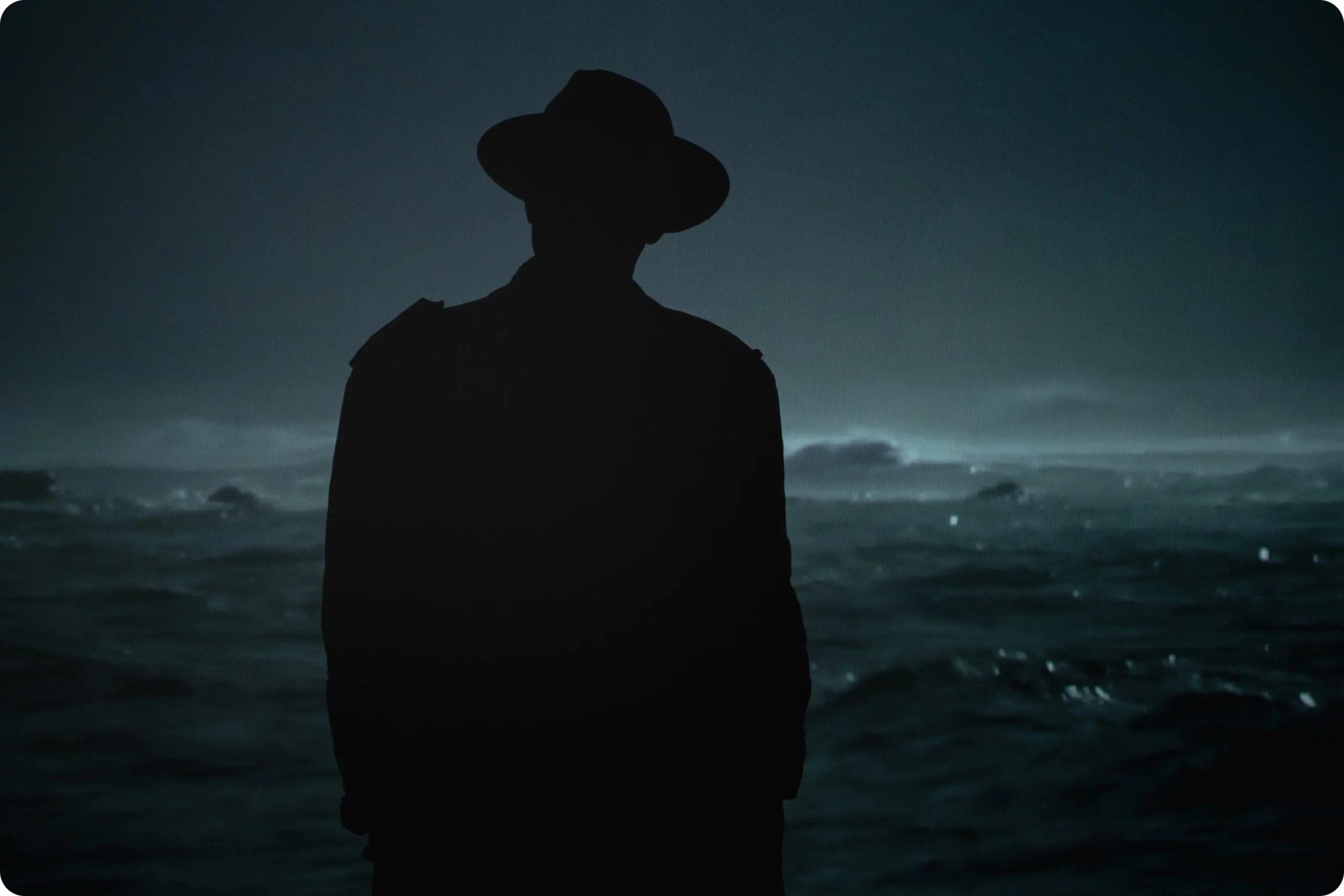
Colors play a crucial role in setting the mood. Warm tones often convey comfort and nostalgia, while cooler tones can create a sense of mystery or sadness.
Focus on Lighting:
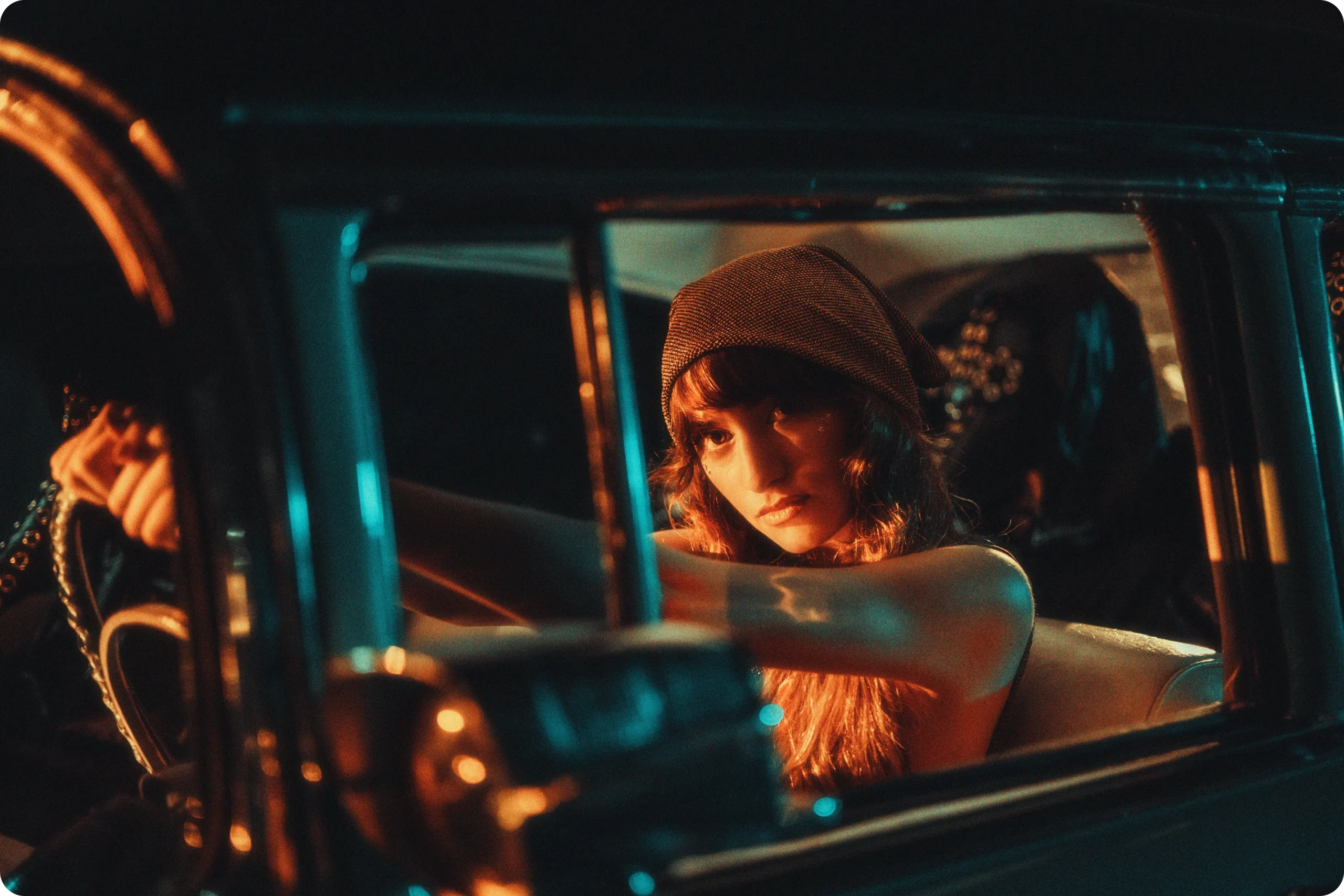
Cinematic lighting is all about creating atmosphere and depth. Natural light is a great asset, but understanding how to manipulate indoor lighting is equally important.
The Ultimate Guide to Cinematic iPhone Photos
Enhance your iPhone photography skills with these essential tips:
Use Portrait Mode for Depth:
The iPhone’s Portrait mode can create a shallow depth of field, blurring the background and focusing on the subject, akin to a cinematic shot.
Experiment with Angles and Perspectives:
Unique angles can add drama and interest to your shots. Low angles can make subjects appear larger than life, while high angles offer an omniscient view of the scene.
Capture the Golden Hour:
The soft, diffused light during golden hour can add a magical, cinematic quality to your photos, perfect for creating mood and depth.
Advanced Techniques for a Cinematic Look
To truly master cinematic iPhone photography, consider these advanced techniques:
Motion Blur for Dynamic Shots:
Use slow shutter apps to capture motion blur, adding dynamism and a sense of action to your photos.
Play with Exposure and Contrast:
Adjusting exposure and contrast can dramatically change the feel of a photo. High contrast can add drama, while low contrast can create a soft, dreamlike quality.
Use Editing Apps for Cinematic Filters:
Apps like VSCO or Lightroom offer filters that mimic the look of film photography, adding that quintessential cinematic touch to your iPhone photos.

Post-Processing for Cinematic Flair
Post-processing is crucial in achieving a cinematic look:
Color Grading:
Color grading is essential in cinematic photography. It involves adjusting the color tones to create a specific mood or atmosphere.
Cropping for Composition:
Sometimes, cropping a photo can drastically improve its composition, making it more impactful and cinematic.
Fine-Tuning Details:
Pay attention to details in post-processing. Enhancing sharpness, clarity, and playing with shadows can add depth and richness to your photos.

Conclusion
The journey to creating cinematic iPhone photos is both exciting and rewarding. By understanding the principles of cinematic composition, mastering your iPhone’s capabilities, and experimenting with advanced techniques and post-processing, you can transform your images into works of art that tell a story and evoke emotions. Embrace these tips from our ultimate guide to cinematic iPhone photos and start capturing the world around you in a whole new light.