
Introduction
iPhone photography has become an art form, allowing anyone to capture professional-looking images with a device that fits in their pocket. With technology advancing rapidly, iPhone cameras have evolved into powerful tools. If you’re between the ages of 30 and 60, these insider secrets for iPhone photos are perfect for enthusiasts and hobbyists alike. Let’s dive in!
Discover the Hidden Power of Your iPhone Camera
Utilize Portrait Mode Like a Pro – A Secret for iPhone Photos

Portrait Mode isn’t just for professionals! I once took a stunning portrait of my pet using this mode, and the results were amazing. Here’s how you can do the same:
- Find a well-lit spot
- Focus on the subject’s eyes
- Adjust the depth to your liking
- Snap the shot and watch the background blur away
Master the Rule of Thirds – A Composition Secret for iPhone Photos
Remember the time you struggled to get a balanced composition? The rule of thirds can solve that problem! Simply:
- Enable the grid in your iPhone’s camera settings
- Align the subject along the grid lines
- Experiment with positioning
- Capture and admire the professional-looking composition
Harness the Manual Focus – A Sharpness Secret for iPhone Photos
Manual focus was a game-changer for me, especially for close-up shots of flowers. Here’s how to try it:
- Tap and hold the screen where you want to focus
- Adjust the brightness slider if needed
- Take the photo, ensuring the clarity and sharpness you desire
Enhance Your Images with Editing Magic – Secrets for iPhone Photos
Tap into Powerful Editing Tools

Editing can bring a photo to life. Once, I transformed a dull sunset into a vibrant masterpiece. You can too:
- Use the iPhone’s native editing options
- Try apps like Snapseed or VSCO
- Play with contrasts, saturation, and filters
Balance Exposure for Perfect Lighting
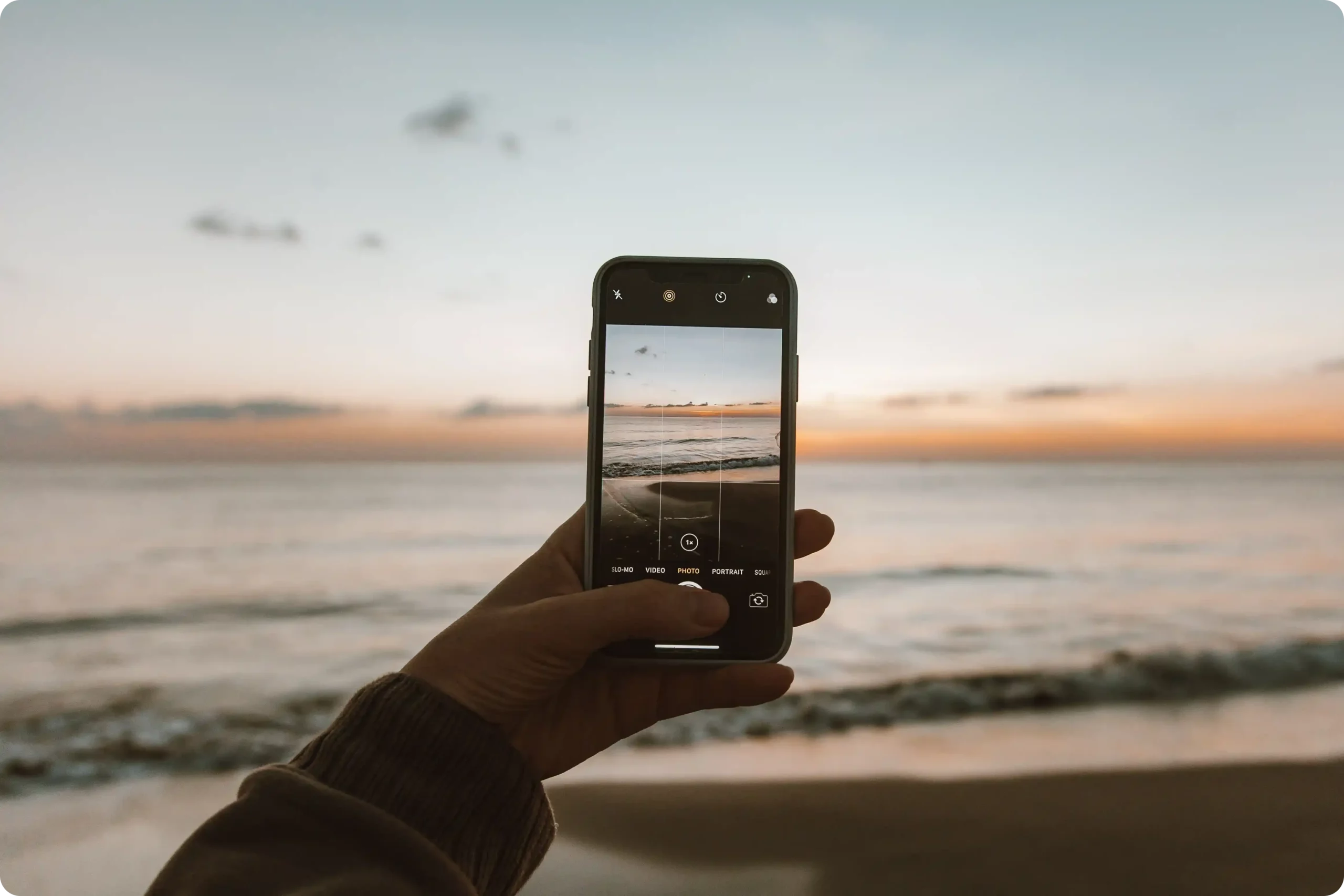
Balancing exposure made my vacation photos look like postcards. Here’s how:
- Swipe up or down on the screen to adjust exposure
- Take a test shot
- Adjust further if needed to get the lighting just right
Capture Life’s Moments with Creativity – Secrets for iPhone Photos
Experiment with Slow Shutter Speed

Slow shutter speed can add magic to a photo. My nighttime cityscape shot looked mystical with light trails. Here’s how:
- Use a tripod or stable surface
- Experiment with slow shutter apps
- Capture the motion in a new, artistic way
Embrace the Panorama Function

Panorama can capture breathtaking scenes. My beach vacation panorama still brings back memories. Try this:
- Hold the phone steady
- Slowly move it in the direction of the arrow
- Keep an even pace for a flawless panoramic shot
Advanced Techniques for the Enthusiastic Photographer – More Secrets for iPhone Photos
Explore Time-Lapse Photography
Time-lapse photography made my garden look like a nature documentary. Here’s how:
- Set up your iPhone on a tripod
- Select Time-Lapse mode
- Let it record and watch the world speed by
Get Creative with Accessories

Accessories like lenses and tripods helped me take my photography to the next level. Here’s how:
- Explore different lens attachments
- Use a tripod for stability
- Experiment to find your unique style
Conclusion
These 10 insider secrets for iPhone photos have transformed my iPhone photography, and I’m sure they’ll do the same for you! Start experimenting today, and don’t hesitate to share your stunning iPhone photos with us.